
01
Receipt scanning without retyping everything
Upload or photograph a receipt. Išlaidukas prepares recognized purchases for review, so you can correct names, quantities or prices before saving.
From a receipt photo to detailed spending analytics.
Start for freeUpload or photograph a receipt. Išlaidukas prepares recognized purchases for review, so you can correct names, quantities or prices before saving.
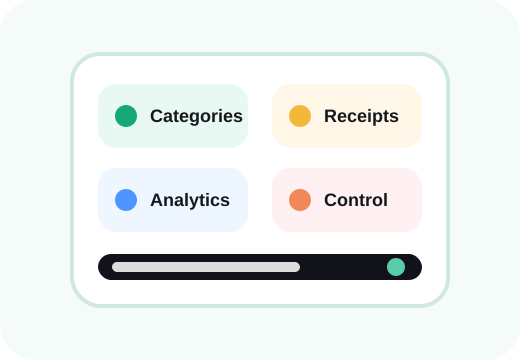
Group purchases into categories that make sense to you. Colors and filters make it easier to understand which areas take the biggest share of your budget.
Follow total spending, daily average, largest expenses, top categories and merchants. Category filters let you focus on only the part of your budget you care about.
Automation saves time, but the final decision stays with you. Expenses can still be added, edited or removed manually.
The goal is simple: spend less time entering data and get answers about your spending faster. Receipt review, categories and analytics therefore work as one continuous flow.
See how it worksScanning, review, categories, manual corrections and analytics work as one flow. The goal is not to collect more data — it is to make your existing everyday purchases understandable.
Use built-in categories or create your own. A consistent category history makes monthly comparisons and category filters much more meaningful than a list of unrelated transactions.
Recognition saves typing, but you remain in control. Before saving, you can correct products, prices, merchant information and categories. Manual expenses are available for purchases that do not have a receipt.
Start building a spending history that is searchable, categorized and much easier to understand than a pile of receipts.
Are you sure you want to continue?