
Photograph or upload a receipt
Choose a receipt image from your phone or computer. The system prepares it for purchase recognition.
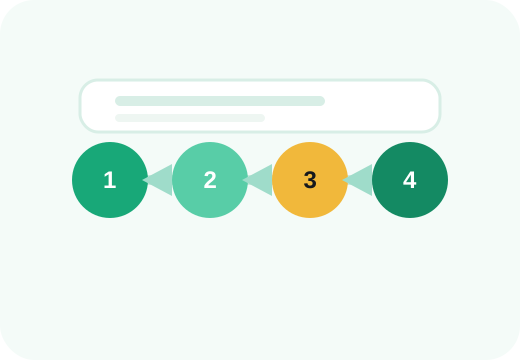
Four simple steps from a receipt photo to a clear spending history.
Start for freeChoose a receipt image from your phone or computer. The system prepares it for purchase recognition.
Before saving, you see items, quantities and prices. If totals do not match, the review screen clearly shows the discrepancy.
Assign purchases to categories and create your own when needed. This makes the analytics fit your lifestyle instead of forcing a fixed structure.
Choose a date range and categories, then review trends, merchants, weekdays and totals.
Instead of separate receipts and vague bank transactions, you get one place where your real purchases can be filtered, compared and reviewed.
AnalyticsThe more consistently receipts and expenses are saved, the more useful comparisons become. Categories stay reusable, analytics cover a longer period and you spend less time reconstructing old purchases later.
A bank transaction usually tells you the merchant and total. Išlaidukas helps turn a receipt into item-level spending data, so you can understand what made up that total and review it later without keeping paper receipts.
Recognition saves typing, but you remain in control. Before saving, you can correct products, prices, merchant information and categories. Manual expenses are available for purchases that do not have a receipt.
Start building a spending history that is searchable, categorized and much easier to understand than a pile of receipts.
Are you sure you want to continue?